Getting Started
Install the agent & enroll endpoints
Run the one-line installer to enroll a device, report its install surface, and start scoring.
The Cernexa agent is what turns the console from demo data into your real fleet. It discovers the extensions, packages, IDE plugins, MCP servers, and models installed on a device and reports them back for scoring.
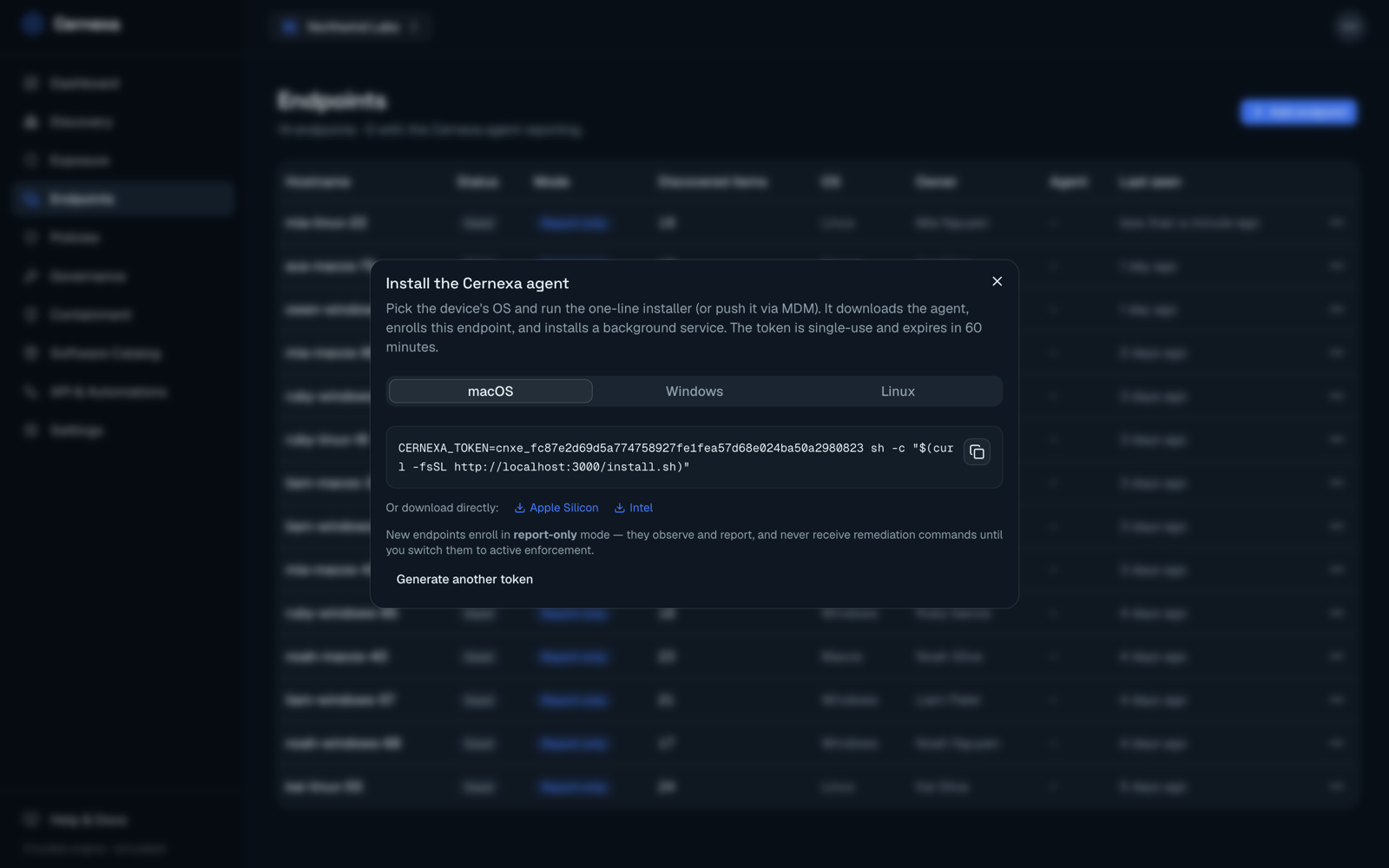
Enroll an endpoint
- Go to Endpoints and click Add endpoint.
- Pick the device's operating system — macOS, Windows, or Linux.
- Copy the one-line installer and run it on the target machine (or push it via your MDM).
The installer downloads the agent, enrolls the endpoint using a single-use token that expires in 60 minutes, and installs a background service. If a token expires, click Generate another token.
macOS / Linux
CERNEXA_TOKEN=<token> sh -c "$(curl -fsSL https://<your-server>/install.sh)"Windows (PowerShell)
$env:CERNEXA_TOKEN="<token>"; irm https://<your-server>/install.ps1 | iexThe agent ships as a native binary per platform and architecture (Apple Silicon and Intel for macOS; x64 and ARM64 for Windows and Linux) — no compiler or runtime is required on the endpoint.
Report-only by default
Every new endpoint enrolls in report-only mode. It observes and reports its install surface but will never receive a remediation or quarantine command. This lets you see your real risk posture before anything is enforced.
When you're ready to let Cernexa act on a device, open the endpoint's detail page and choose Enable enforcement. In active mode, remediation, quarantine, and enforced ringfences are delivered to and executed on that endpoint. You can switch back to report-only at any time. See Endpoints for the full lifecycle.
After enrollment
Within a few moments the endpoint moves from seed (no agent) to active (reporting), and its discovered software appears in Discovery and on the endpoint's detail page — each artifact scored by Crucible.
To stop an agent from reporting, use Deprovision (revoke agent key) from the endpoint's actions menu; to remove the record entirely, use Delete permanently (it asks you to confirm the hostname).